| 1. | Run "AccuTrackingAddinSetup.msi". The AccuTracking Add-in requires Microsoft .NET Framework v2.0 or later installed on your computer. If you don't have it installed already, you will see the .NET Framework v2.0 or later installation screen. Otherwise, go to step 2 below. |
Click "Yes" and download the .NET Framework v2.0 or later Redistributable package from Microsoft and install it:
Click "Install" and complete the installation:
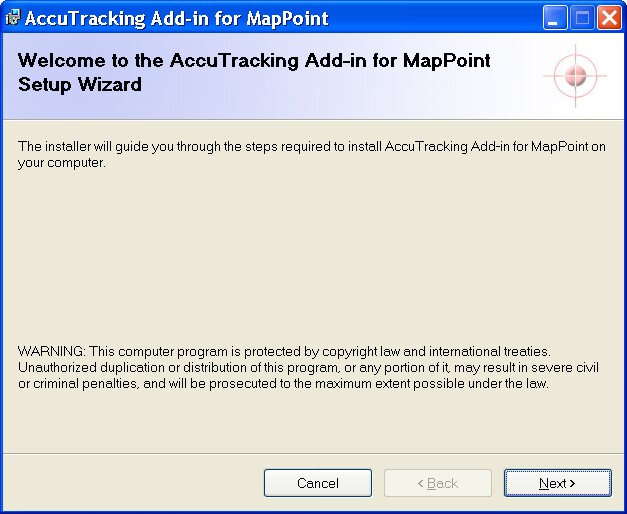
| 2. | At the AccuTracking Add-in installation welcome screen, click "Next": |
| 3. | Follow the screen to complete the setup. |