To have the GPS positions connected by lines upon auto update:
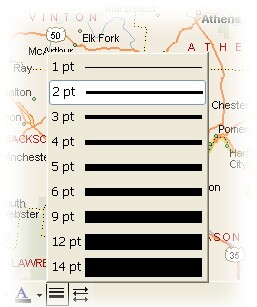
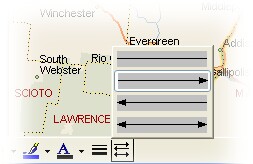
| 1. | In MapPoint, choose the preferred line weight and line style: |
 |  |
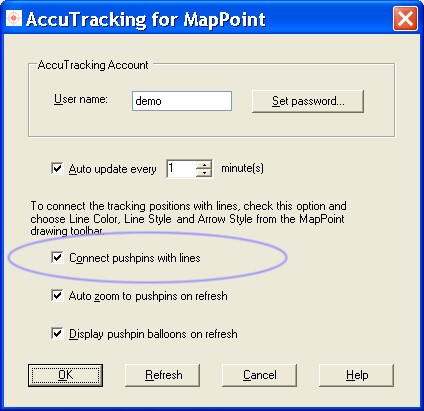
| 2. | Click menu "Tools > AccuTracking...", check the option "Connect pushpins with lines": |
|
Show connected lines between positions |
Top Previous Next |
|
To have the GPS positions connected by lines upon auto update:
|